
Focused browser practice
Exercises
Assign browser-based TypeScript practice and see what students have completed and what comes next.
How it fits into the course
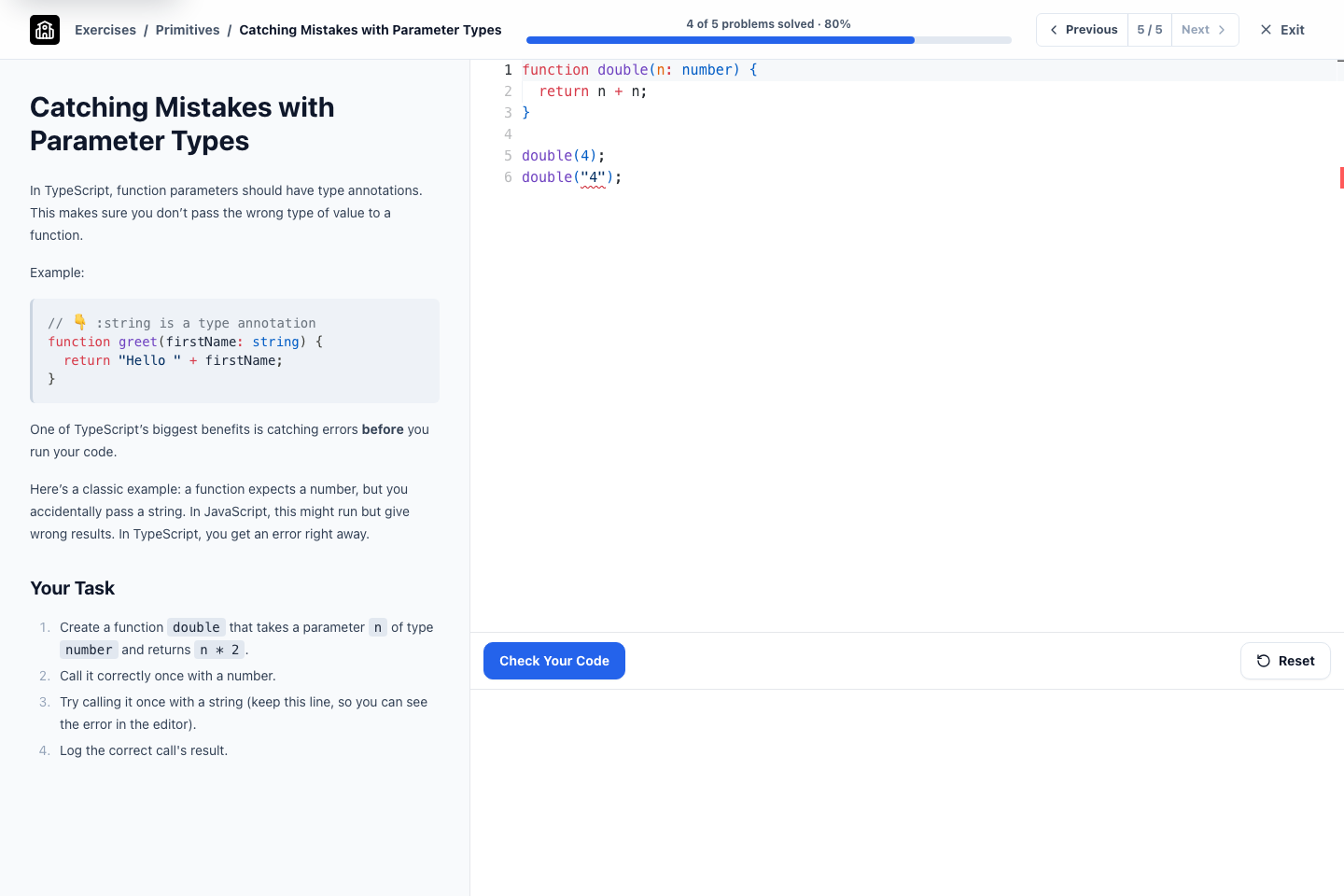
Codington exercises isolate one programming concept at a time. Students write code in the browser and run immediate checks without installing a local editor or TypeScript toolchain.
Inside a managed course, teachers can place exercise sets in a module, configure the assigned work, and open the progress view for the class.
What it helps you do
Reduce setup friction
Students can practise a focused concept before local tooling becomes part of the lesson.
Give immediate feedback
Exercise checks help students correct small mistakes while the concept is still fresh.
See recorded progress
Teachers can see assigned exercise sets and the completion recorded for course students.
See the workflow
Follow the experience from one view to the next.
02 · Student view
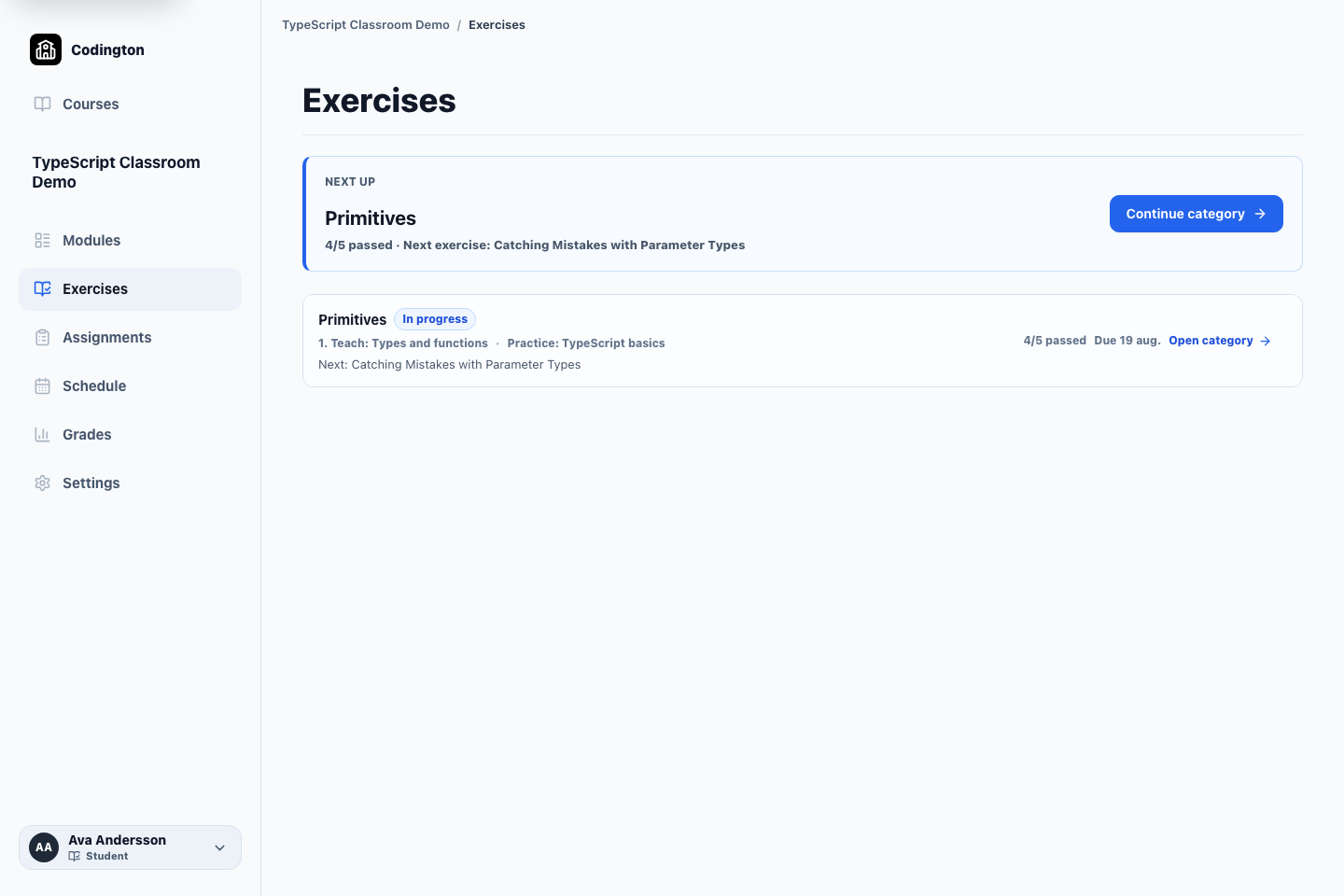
Return to the right next exercise
The course overview connects the assigned set, due date, saved completion, and next useful action.
03 · Student view
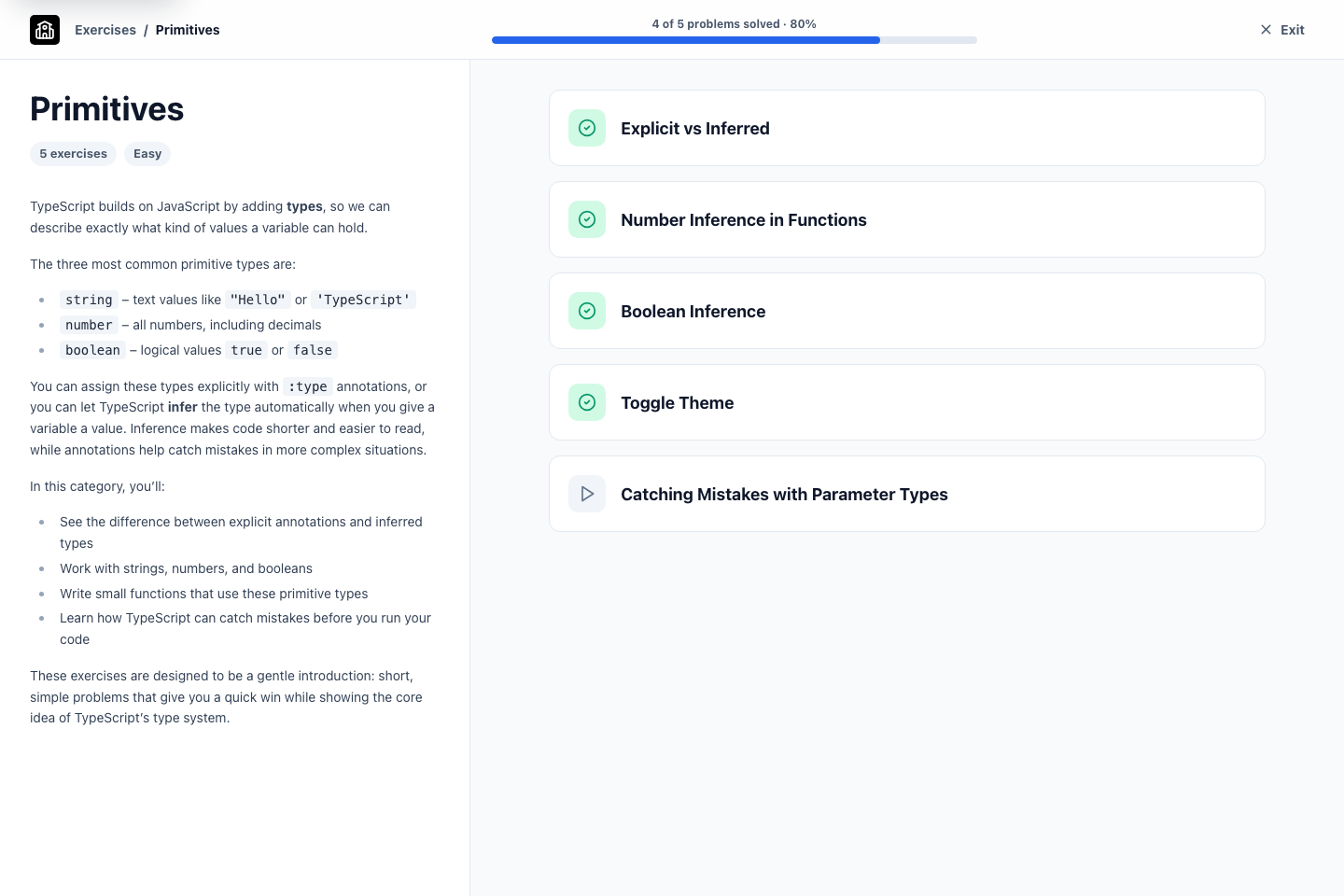
Understand progress through the category
A category keeps its explanation beside the problem sequence and makes completed and remaining work easy to scan.
04 · Teacher view
See who is ready and who needs help
Teachers see class completion and recent activity across the same exercise set students are working through.
A typical workflow
- 1Add an exercise set from the Codington library to a module.
- 2Choose the relevant category and course settings.
- 3Publish the work and optionally add a due date.
- 4Use the progress view to see how students are moving through the set.
What students see
Students open the assigned set, write TypeScript in the browser, run the checks, and continue through the exercises at their own pace.
Current boundaries
- The built-in exercise library currently focuses on TypeScript.
- Exercise checks verify the submitted solution against the exercise requirements; they are not a general assessment of project quality or authorship.
Related guides
Free plan
Ready to try Codington with your course?
Create a teaching workspace for one course and up to 30 students. No credit card required.
Create your free workspace