
Course structure
Modules
Organize lessons, pages, exercise sets, workshops, and assignments in the order students should meet them.
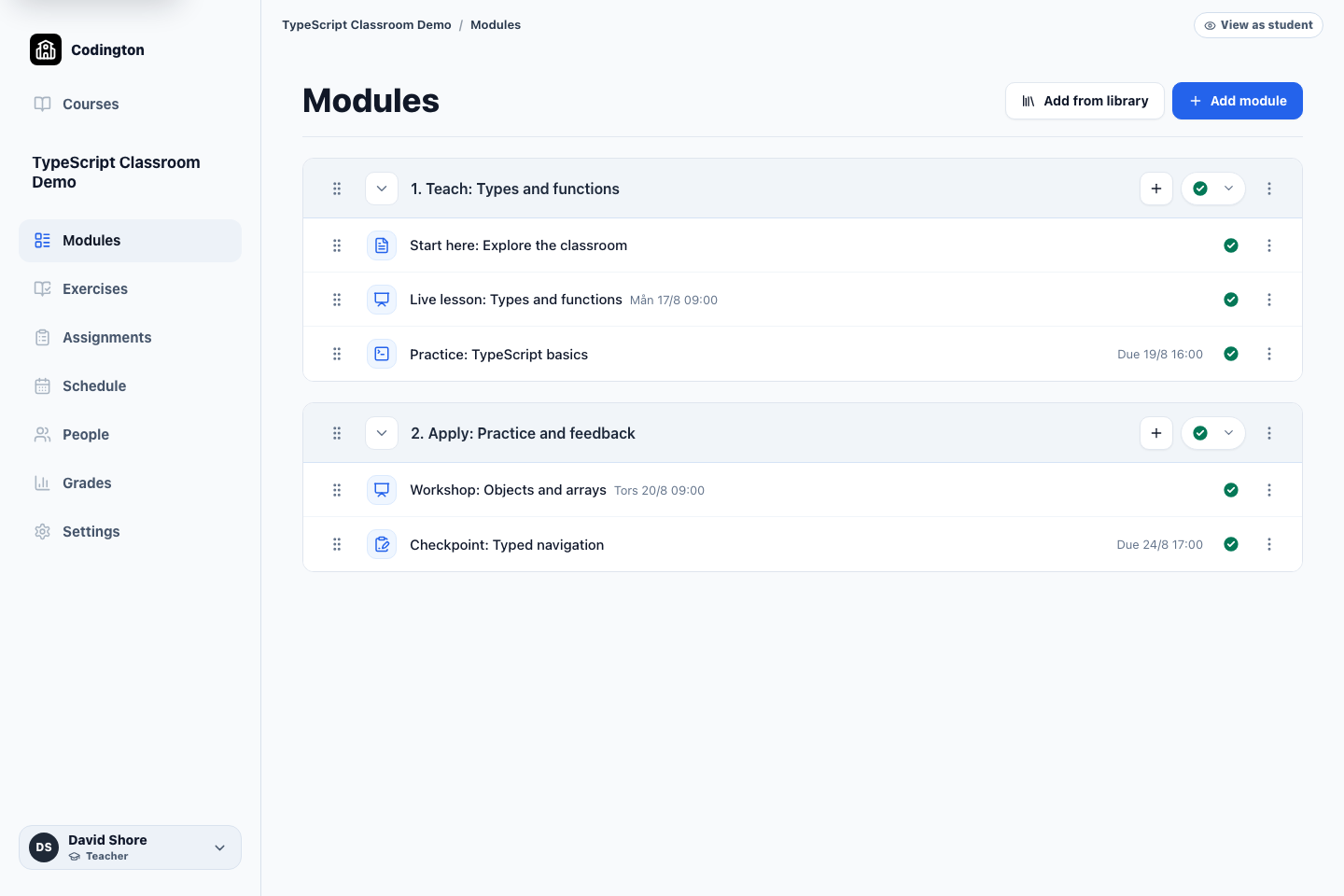
How it fits into the course
Modules are the main structure of a Codington course. A module can contain teacher-created pages, scheduled lessons, browser exercise sets, resources, and project assignments.
Teachers can arrange course items in teaching order, add material from the Codington library, and choose what is ready for students to see.
What it helps you do
Match the syllabus
Group work by topic, week, or project phase instead of forcing every course into the same sequence.
Mix different kinds of work
Keep explanations, live sessions, focused practice, and larger assignments in one course flow.
Reuse a starting point
Add Codington material from the library and combine it with your own pages and assignments.
A typical workflow
- 1Create a module for a topic, week, or project phase.
- 2Add pages, lessons, exercise sets, resources, or assignments.
- 3Arrange the items in the order students should complete them.
- 4Publish the relevant work and check the course as a student.
What students see
Students see the published course structure in the same teaching order, with the relevant lesson times and due dates attached to each item.
Current boundaries
- Codington currently includes a ready-made TypeScript exercise library; broader course libraries are still planned.
- Adding a GitHub assignment to a module does not automatically create repositories for students.
Related guides
Free plan
Ready to try Codington with your course?
Create a teaching workspace for one course and up to 30 students. No credit card required.
Create your free workspace