
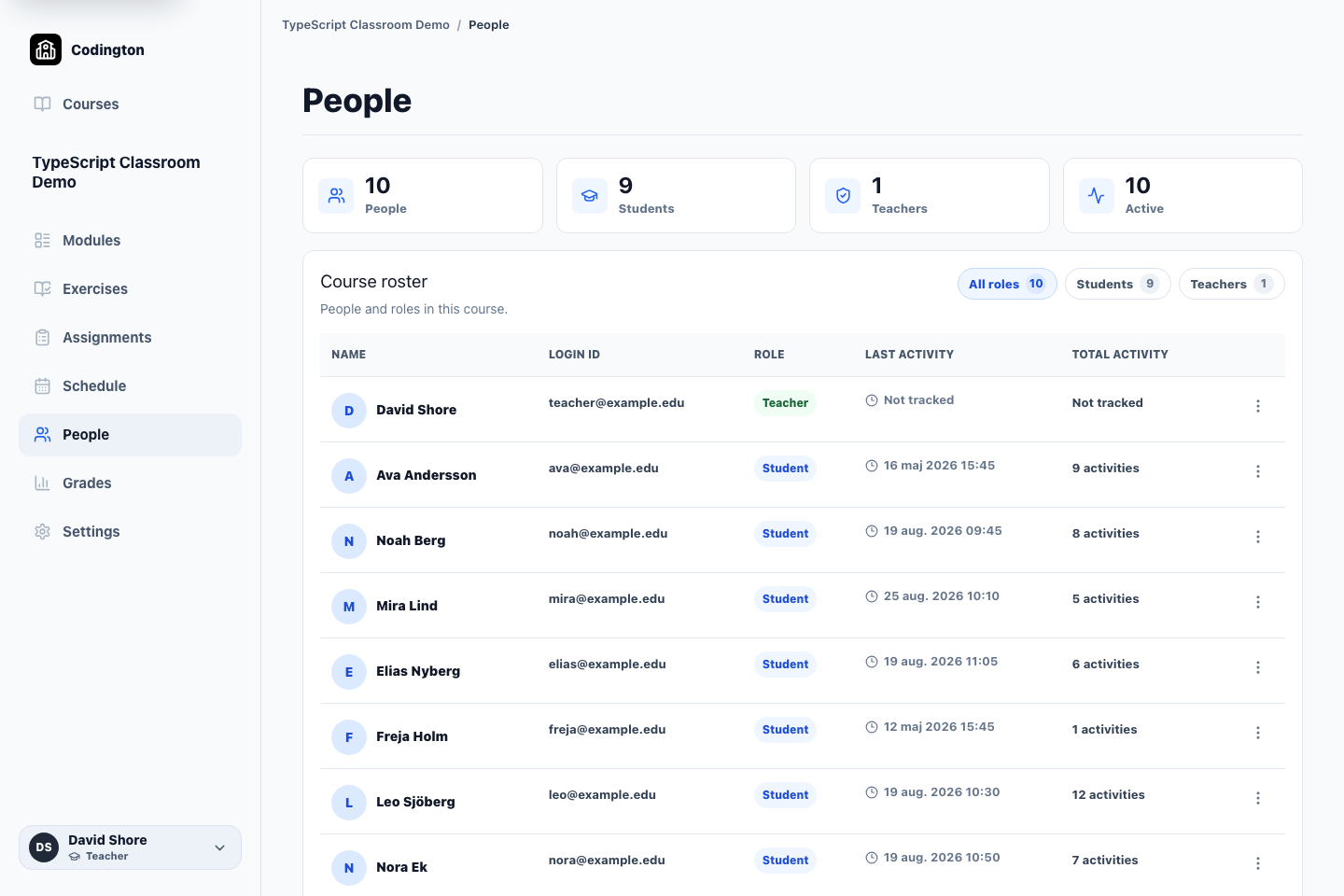
Course roster
People
Manage the students and teachers who belong to a course and keep their access connected to the course record.
How it fits into the course
The People area is the course roster. It shows who belongs to the course and which role each person has in the workspace.
Schools can create student records manually or import a roster, then invite students into the managed course experience.
What it helps you do
Keep one course roster
See students and teaching staff in the context of the course they belong to.
Prepare a class efficiently
Create students manually or use roster import when setting up a larger group.
Connect work to a student
Exercise progress, submissions, feedback, and grades are recorded against the managed course student.
A typical workflow
- 1Create or import the student records needed for the course.
- 2Add the relevant students and teachers to the course roster.
- 3Send or manage course access for the students.
- 4Use the roster as the starting point for progress, submissions, and grades.
What students see
Students use their managed course access to open published work and build a progress and submission record for the teacher.
Current boundaries
- Codington does not currently synchronize rosters through Canvas/LTI or a school information system.
- The free plan is limited to one course and up to 30 students.
Related guides
Free plan
Ready to try Codington with your course?
Create a teaching workspace for one course and up to 30 students. No credit card required.
Create your free workspace